Slate
Notes, a journal, a calendar, mind maps, lists and kanban boards, together in one app. Slate gives everything you write, plan and think about a single home.
Everything you expect from a notes app
Slate starts with the basics done properly, so writing something down is quick and finding it again is easy.
- Capture fast. Tap the plus button and start writing.
- Format as you write. Bold, italic, underline, strikethrough and bulleted or numbered lists keep longer notes readable.
- Tag everything. Add tags to notes and lists so related ideas stay connected.
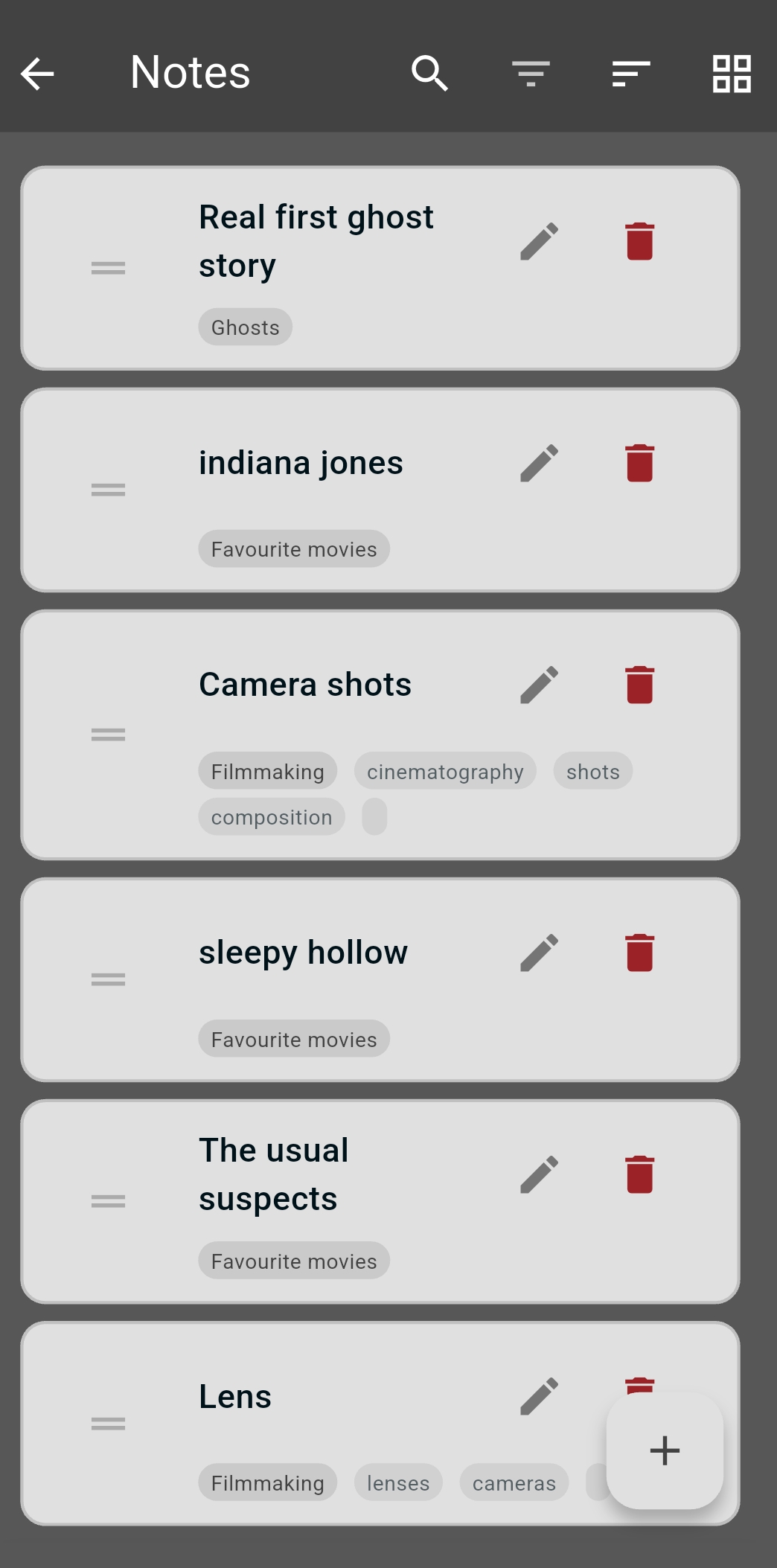
- Find anything. Search across your notes, or filter by tag to narrow things down.
- Arrange it your way. Sort your notes, drag them into the order you want, or switch to a grid view.
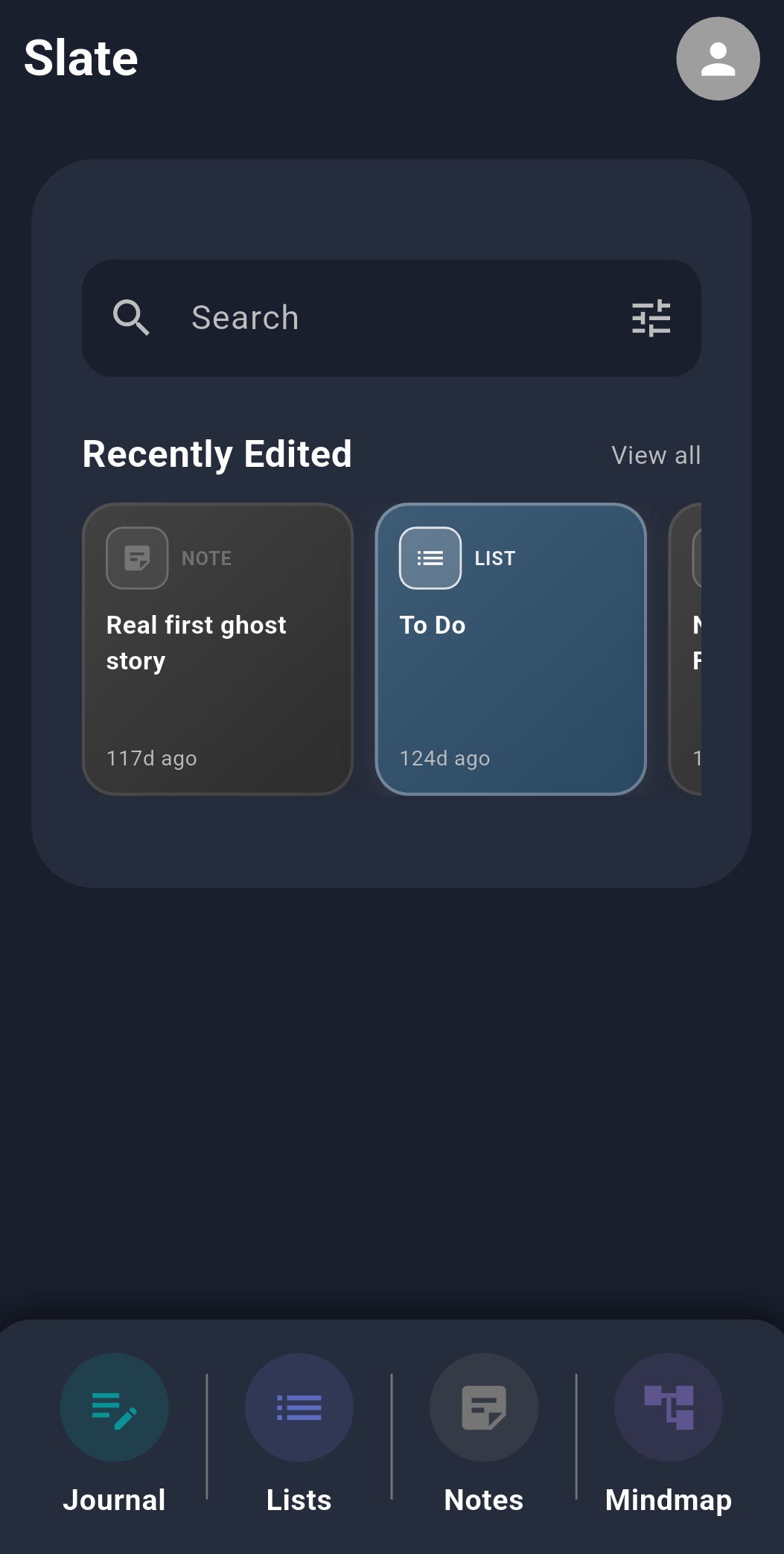
- Pick up where you left off. The home screen keeps your recently edited notes and lists one tap away.
A journal that lives on a calendar
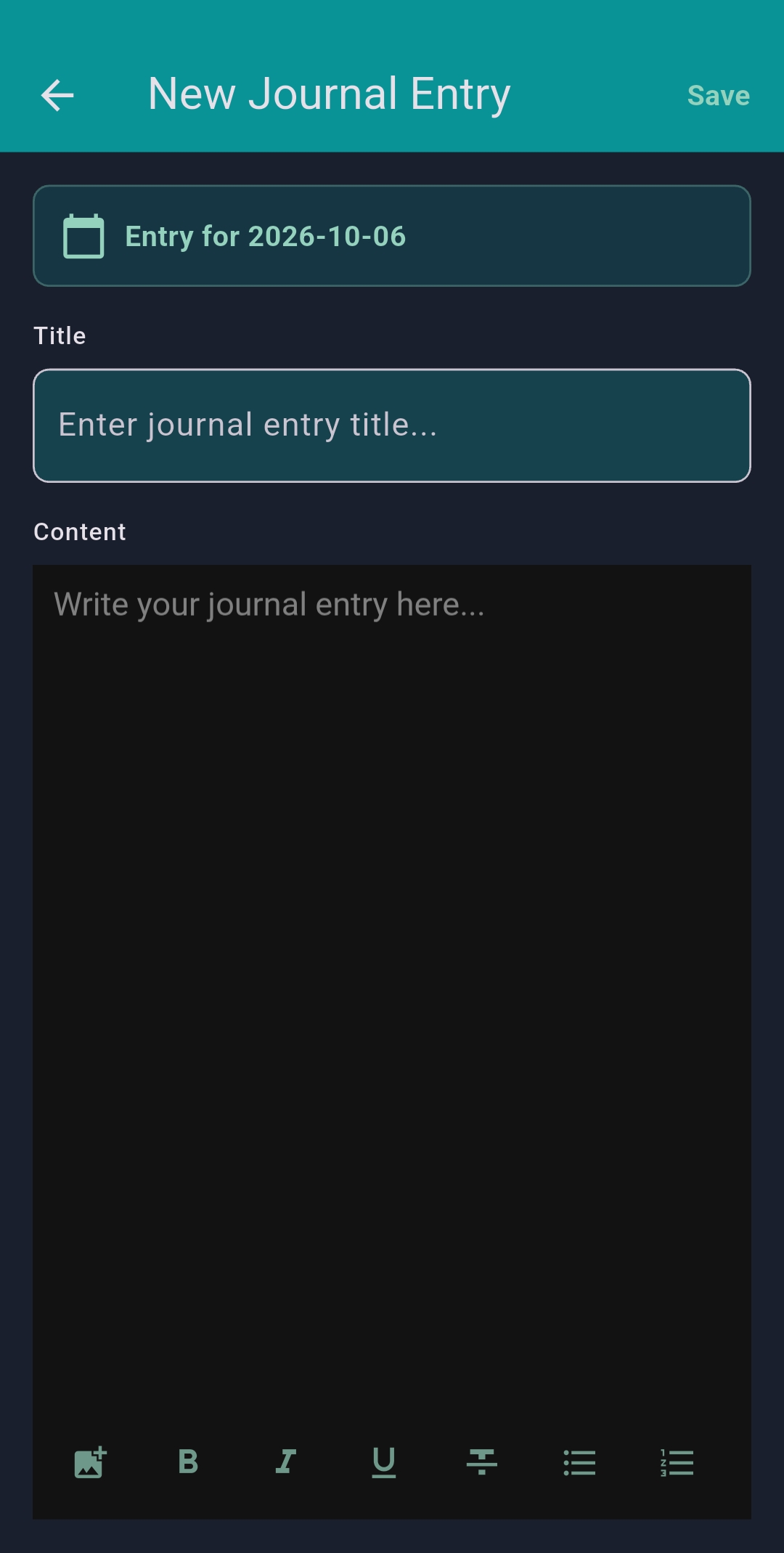
Write an entry for any day and Slate files it on the calendar under that date. Give it a title, then write freely with the same formatting tools you use for notes.
Use it as a daily diary, a work log, a gratitude journal or a simple record of what happened, whatever suits you.
One calendar for your days and your plans
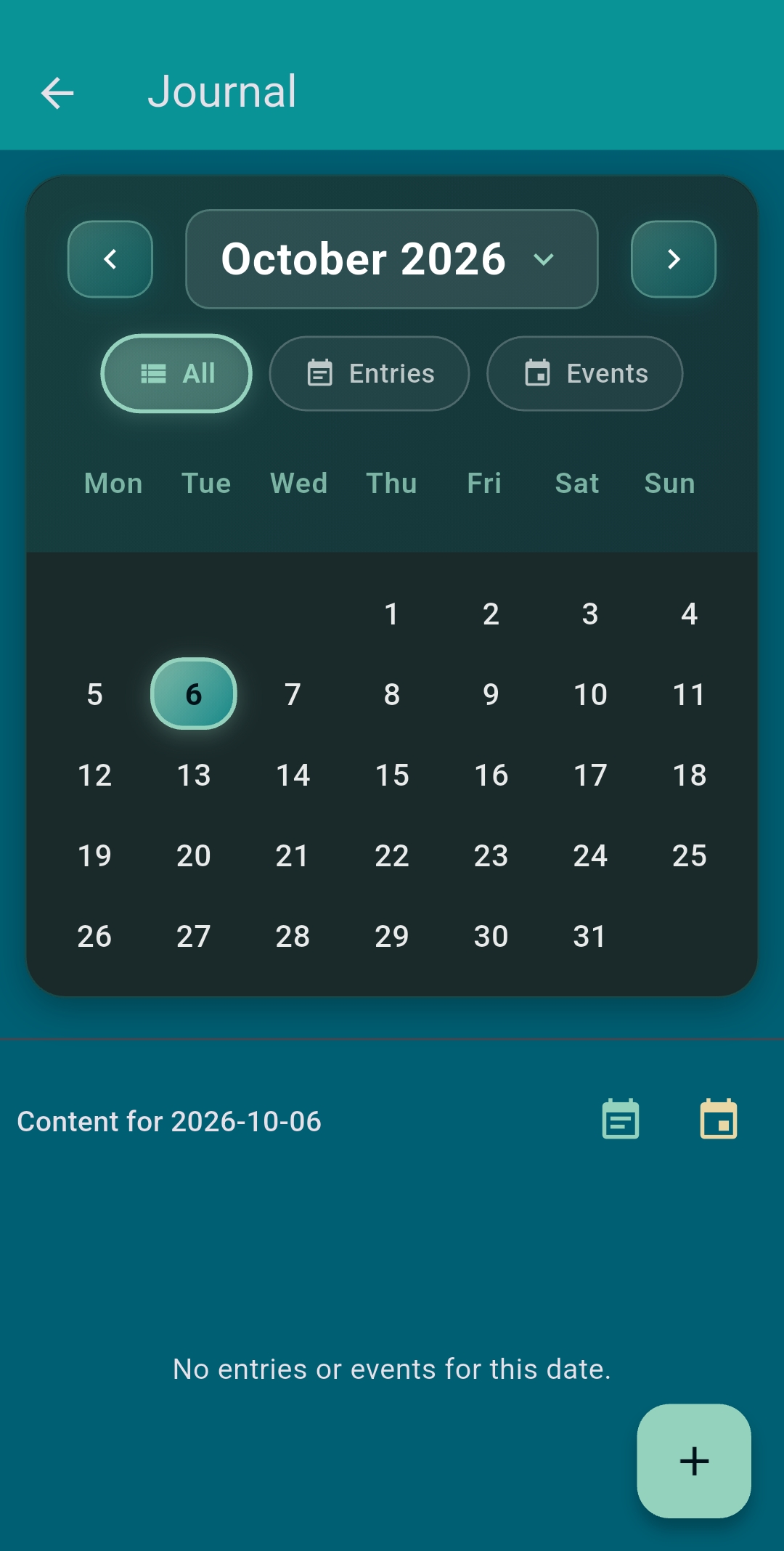
Slate’s calendar does two jobs, and you can view them together or one at a time.
- Journal. Every entry you write is saved to its date, so you can tap any day and read what you wrote.
- Events. Add appointments, birthdays, deadlines and anything else coming up.
Switch between all content, journal entries only or events only. Because both share one calendar, a single glance at a day shows what was planned and what actually happened.
Think it through with mind maps
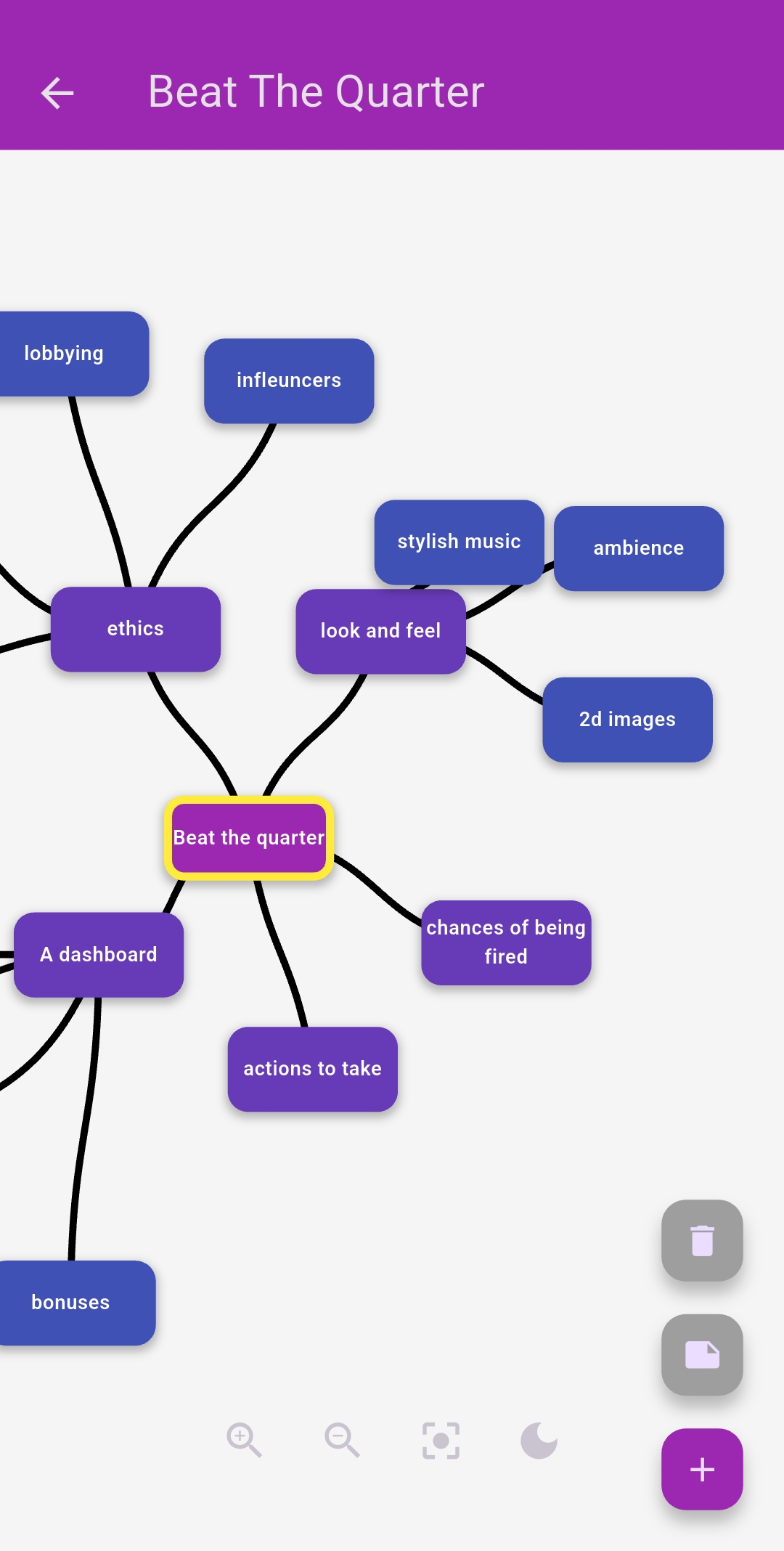
Some ideas do not fit in a list. Start with one central thought and branch out, adding and connecting ideas until the shape of a project, an essay or a tricky decision becomes clear.
Lists for everything
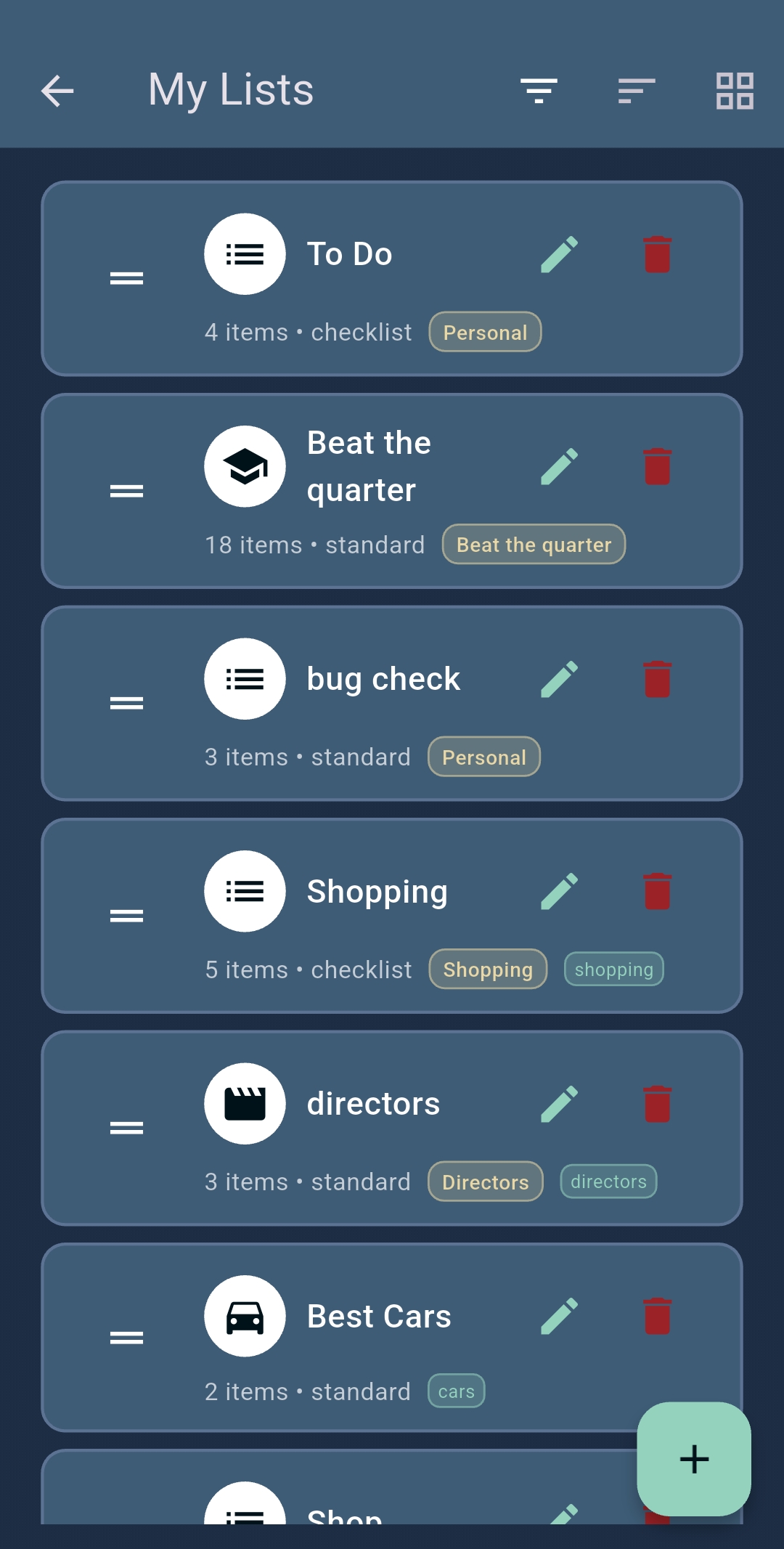
Turn plans into action with lists for anything: today’s tasks, a project plan, the weekly shop or your favourite films.
- Choose a checklist to tick items off, or a standard list for collections
- Tag lists so they sit alongside related notes
- See at a glance how many items each list holds
Kanban boards for bigger jobs
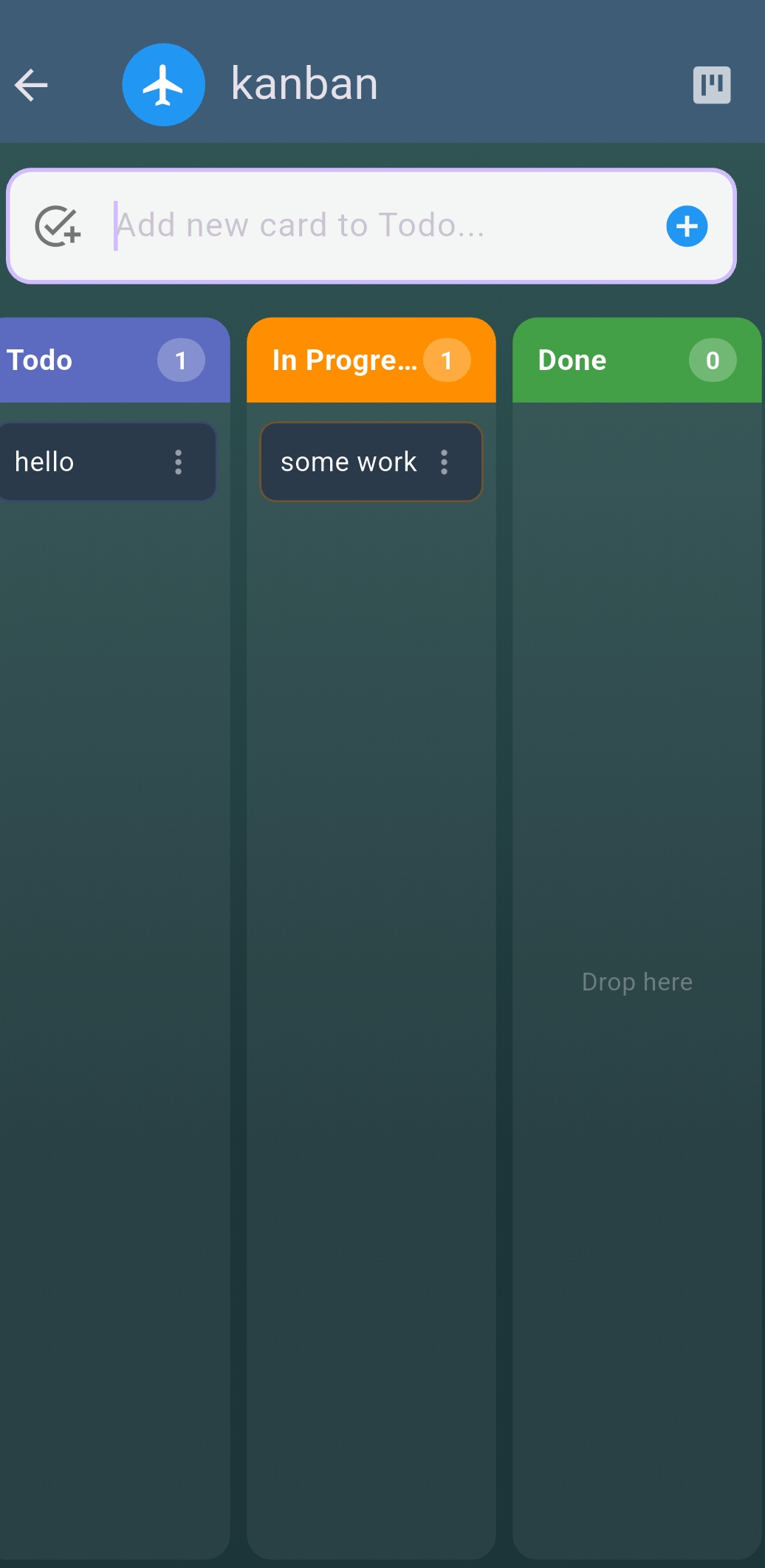
When a project has moving parts, lay it out on a board. Add cards to To do, move them to In progress as you start, and drop them into Done when they are finished. You always know what is waiting, what is underway and what is complete.